astro/mdxマニュアル
最終更新日時: 2025年08月25日 12:57
- mermaidの状態遷移図のテキスト、フローチャートのテキストが右寄りになる->やめ
- 左右のコンテンツの分け方がいびつになる。これでいいのか。
最終更新日時: 2025年08月25日 12:57
TwoColumnコンポーネント
Section titled “TwoColumnコンポーネント”記載方法
表示され方
image表示方法
Section titled “image表示方法”- htmlの場合は、~/astro/pubic配下に配置
<center><img src="/smoothstep.png" width="100" /></center>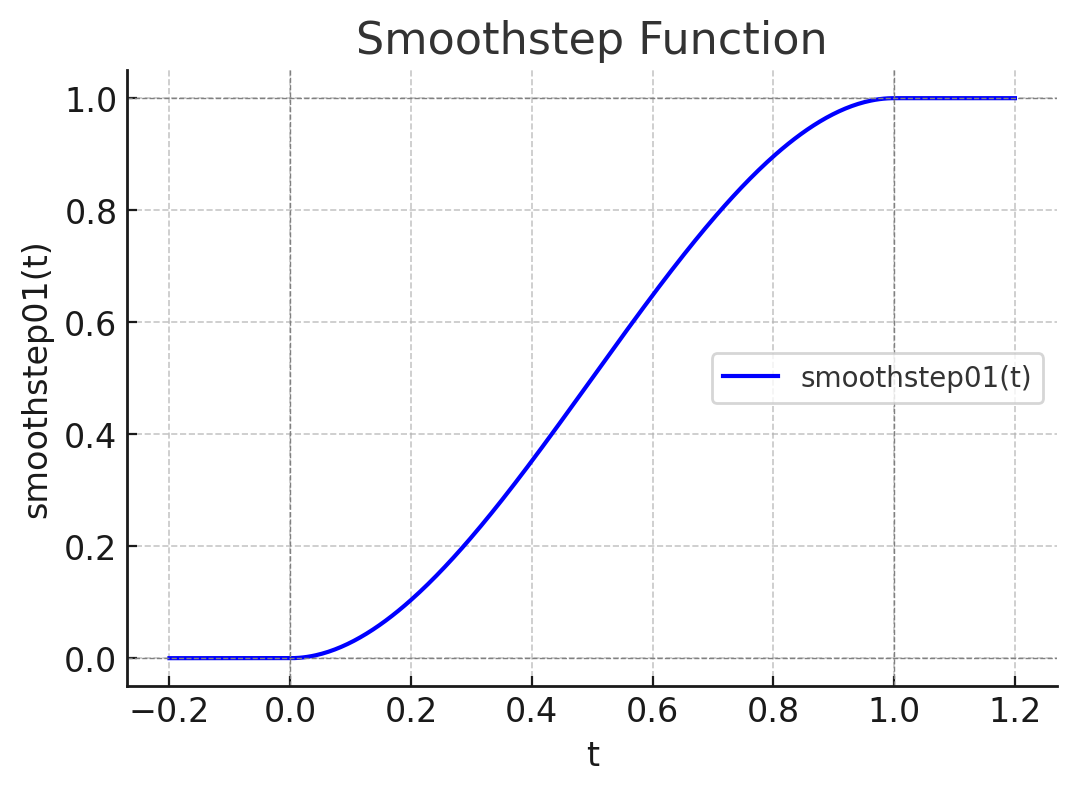
- markdownの場合はドキュメントのあるディレクトリが現ディレクトリになる
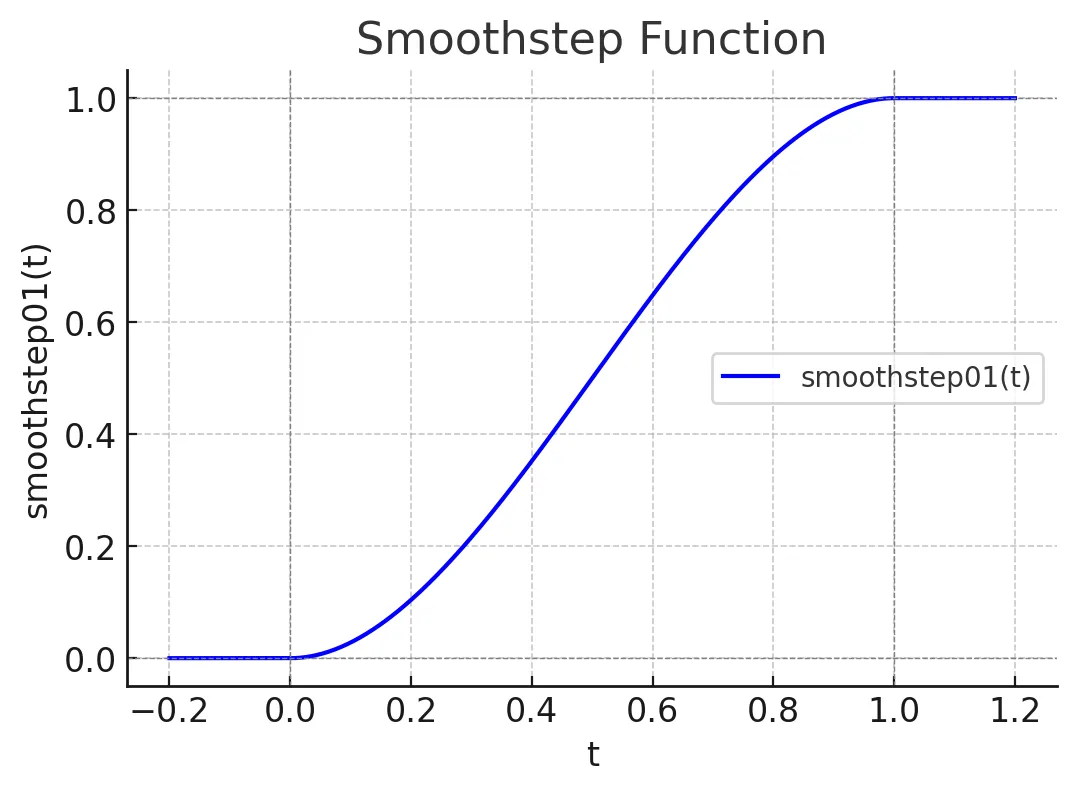
iframe表示方法
Section titled “iframe表示方法”<center> <iframe src='/html/texture.html' style={{ height: '300px', width: '70%' }} /></center>style付きでhtmlを記述
Section titled “style付きでhtmlを記述”<div style={{backgroundColor: 'violet', padding: '1rem'}}> Try and change the background color to `tomato`.</div>Try and change the background color to tomato.
JavaScriptで表示
Section titled “JavaScriptで表示”- mdx内部で直にJavaScriptを記述できる
- 中カッコで括る
{(function () {  const guess = Math.random()  if (guess > 0.66) {    return <span style={{color: 'tomato'}}>Look at us.</span>  }  if (guess > 0.33) {    return <span style={{color: 'violet'}}>Who would have guessed?!</span>  }  return <span style={{color: 'goldenrod'}}>Not me.</span>})()}
{2+232323}
Who would have guessed?!232325
Boxコンポーネント
Section titled “Boxコンポーネント”<Box>- abc- def</Box>- abc
- def
RedBoxコンポーネント
Section titled “RedBoxコンポーネント”<RedBox>- abc- def</RedBox>- abc
- def
WhiteBoxコンポーネント
Section titled “WhiteBoxコンポーネント”<WhiteBox>- a- b- c</WhiteBox>- a
- b
- c
TimeStampコンポーネント
Section titled “TimeStampコンポーネント”<TimeStamp fileUrl={import.meta.url} />最終更新日時: 2025年08月25日 12:57
CodeTitleコンポーネント
Section titled “CodeTitleコンポーネント”- ソースコード表示時にタイトルを下部に表示する
<CodeTitle title="テクスチャのロード" id="load" counter="01">```text some texts```</CodeTitle> some textsMermaidコンポーネント
Section titled “Mermaidコンポーネント”- Flowchatと状態遷移図に少なくともテキストセンタリングのバグがある
- このコンポーネントを使えば
<center></center>で中央ぞろえできる。なんか冗長だけど。 - さらに進めれば事前定義したところに
<center></center>でカッコておけば問題は解決する。 - しかし「エッジのラベル」と呼ばれる分岐の
YesやNoみたいなものは事前定義できない。泣。 - 本来なら、少なくともclassDefで下記コードで実現できるはずだが、中央ぞろえにならないのはmermaidの既存バグ
classDef default text-align:center class A,B,C,D,E,F,G,H,I default C{<center>Decision</center>} A[<center>Start</center>] --> B[<center>uuauau</center>] B --> C C -->|<center>Yes</center>| D[End] C -->|No| E[Retry] classDef default fill:#888888, stroke:#444444 classDef styleOne fill:#889933, stroke:#ff8822 classDef styleTwo fill:#9922ff, stroke:#995522, stroke-width: 4px class A styleOne class B styleTwo`} />graph TD C{<center>Decision</center>} A[<center>Start</center>] --> B[<center>uuauau</center>] B --> C C -->|<center>Yes</center>| D[End] C -->|No| E[Retry] classDef default fill:#888888, stroke:#444444 classDef styleOne fill:#889933, stroke:#ff8822 classDef styleTwo fill:#9922ff, stroke:#995522, stroke-width: 4px class A styleOne class B styleTwo- 事前定義で
<center></center>してもいいし - 一部分だけを
<center>で括ってもいい - エッジだけはエッジごとに
<center>しないとだめ - class定義(スタイルの定義)は動いているようだ
シーケンスダイアグラム
Section titled “シーケンスダイアグラム”- センタリングバグはここにはない
sequenceDiagram Alice->>John: Hello John, how are you? John-->>Alice: Great! Alice-)John: See you later!`} />sequenceDiagram Alice->>John: Hello John, how are you? John—>>Alice: Great! Alice-)John: See you later! `} />
- センタリングのバグあり
- 事前の状態定義で回避できるようである
- 個別にセンタリングすると、
Still とStilが別物として扱われるので止めた方がいい - クラス指定するとfillは動くtext-alignが動いていないことが分かる(下記の状態のCrash)
---title: Simple sample--- stateDiagram-v2    state "<center>Moving</center>" as Moving    state "<center>Still</center>" as Still
    Still --> [*]    [*] --> Still
    Still --> Moving:<center>中央揃え</center>    Moving --> Still : 非中央揃え    Moving --> Crash : <font color="red">非中央揃え</font>    Crash --> [*]
classDef cen fill: red, text-align:center class Crash cen`} />---title: Simple sample--- stateDiagram-v2 state "<center>Moving</center>" as Moving state "<center>Still</center>" as Still
Still --> [*] [*] --> Still
Still --> Moving:<center>中央揃え</center> Moving --> Still : 非中央揃え Moving --> Crash : <font color="red">非中央揃え</font> Crash --> [*]
classDef cen fill: red, text-align:center class Crash cen
`} />Mindmap
Section titled “Mindmap”- centeringの問題はなさそう
mindmap root((mindmap)) Origins Long history ::icon(fa fa-book) Popularisation British popular psychology author Tony Buzan Research On effectiveness<br/>and features On Automatic creation Uses Creative techniques Strategic planning Argument mapping Tools Pen and paper Mermaid`} />mindmap
root((mindmap))
Origins
Long history
::icon(fa fa-book)
Popularisation
British popular psychology author Tony Buzan
Research
On effectiveness
and features
On Automatic creation
Uses
Creative techniques
Strategic planning
Argument mapping
Tools
Pen and paper
Mermaid
`} />
mdxのmermaid対応
Section titled “mdxのmermaid対応”mdxで直接mermaiが動作するようになった。自作Mermaidタグを使わなくても動く。でもセンタリングされないのでその点が難なので、まだ使わない。
```mermaidgraph TD A[<center>Start</center>] --> B{Is it working?} B -->|Yes| C[Great!] B -->|No| D[Debug] D --> B```graph TD A[<center>Start</center>] --> B{Is it working?} B -->|Yes| C[Great!] B -->|No| D[Debug] D --> B```jsconsole.log(1);```MDXごとのstyleの変更
Section titled “MDXごとのstyleの変更”- styleを作ってimportしても反映されなかった。mdxファイル冒頭に表記するとスタイルが反映される
- 各MDXファイルで個別に変更しているが、共通化してインポートしたいが今のところできない→バレル形式でできた!
<style>{` .sl-markdown-content div.ec-line { margin-top: 0 !important; } .sl-markdown-content { font-size:15px; } `}</style>コンポーネントの直接挿入
Section titled “コンポーネントの直接挿入”mdxファイル内部でコンポーネントを記述し利用することも可能
export const Red = ({ message, children, className }) => { return ( <div className={className}> <span style={{ color: 'red' }}>{message}</span> <span>{children}</span> </div> );};import {Blue} from '../../../components/Blue';<Red message='メッセージ'>umamama</Red><Blue message='メッセージ'>nekonekone</Blue>メッセージumamama
nekonekone
6. mermaidの利用までのinstall/設定方法
Section titled “6. mermaidの利用までのinstall/設定方法”- コンポーネントを利用する
- クライアントサイドにjavascriptをダウンロードして画像が生成される
6-1.パッケージインストール
Section titled “6-1.パッケージインストール”mermaidを利用するには以下のようなパッケージがastroの元で必須
- astro: Astro本体(必要)
- @astrojs/mdx: MDXをサポートするためのパッケージ(必要)
- @astrojs/react: AstroとReactを統合するためのパッケージ(必要)
- @astrojs/starlight: Starlightテーマ(必要)
- mermaid: Mermaid自体のライブラリ(必要)
- remark-mermaidjs: Markdown内でMermaidを利用するためのパッケージ(必要)
6-2.設定
Section titled “6-2.設定”remarkPluginsにremarkMermaidを追加する
export default defineConfig({ integrations: [// ここを最初に配置 react(), expressiveCode(), mdx(), sitemap(), starlight({ title: 'ドキュメント', social: { github: 'https://github.com/withastro/starlight', }, sidebar: [ { label: 'THREE.js', autogenerate: {directory: 'three'}, }, { label: 'メディア操作', autogenerate: {directory: 'algorithm'}, }, { label: '技術レポート', autogenerate: {directory: 'tech'}, }, { label: '開発関連書類', autogenerate: {directory: 'dev'}, }, { label: 'その他', autogenerate: {directory: 'reports'}, }, { label: 'etc', autogenerate: {directory: 'etc'}, }, ], }) ], markdown: { remarkPlugins: [remarkMath,remarkMermaid], rehypePlugins: [rehypeKatex], },6-3.mermaid用コンポーネント定義
Section titled “6-3.mermaid用コンポーネント定義”---import mermaid from 'mermaid';export interface MermaidProps { code: string;}const { code } = Astro.props;---<div class="mermaid"> {code}</div>
<script> import mermaid from 'mermaid'; mermaid.initialize({ startOnLoad: true }); mermaid.contentLoaded();</script>6-4.利用
Section titled “6-4.利用”コンポーネントをインポートしmermaidを記述する
install, server設置
Section titled “install, server設置”- node.js
- npm
- astro/starlight
> npm create astro@latest .- serveの利用
> npm install -g serve> npm run build> serve dist/ -l 8080